

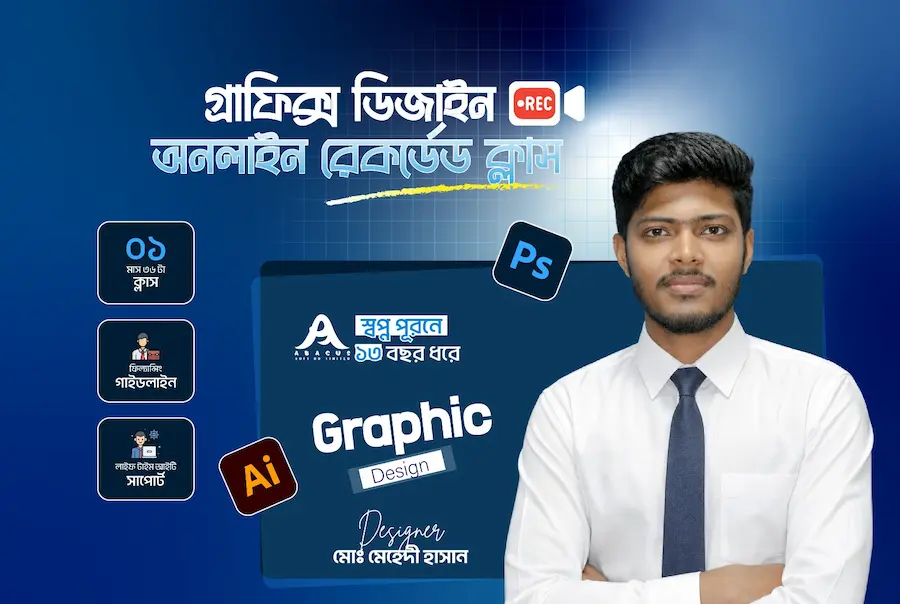
About Course
Course Description:
This comprehensive Graphic Design online course, offered by Abacus Soft BD Ltd, is designed for beginners and aspiring graphic designers looking to master Adobe Photoshop and Illustrator. The course covers the fundamentals of graphic design principles, tools, and techniques needed to create professional-level graphics, logos, digital artwork, and more. Students will gain hands-on experience with Photoshop’s image editing capabilities and Illustrator’s vector-based design tools, empowering them to build a strong foundation for any graphic design project.
Course Outline:
1. Introduction to Graphic Design
- Understanding Graphic Design and its Applications
- The Role of a Graphic Designer
- Key Principles of Graphic Design (Contrast, Balance, Alignment)
2. Getting Started with Adobe Photoshop
- Introduction to Adobe Photoshop Interface
- Basic Tools and Functions (Selection tools, Brushes, Layers, and Masks)
- Working with Color (Color theory, Adjusting brightness, contrast, and saturation)
- Retouching and Editing Images
- Working with Text and Typography
- Exporting Files for Print and Digital Use
3. Mastering Adobe Illustrator
- Introduction to Adobe Illustrator Interface
- Understanding Vectors vs. Raster Graphics
- Creating and Editing Vector Shapes
- Working with the Pen Tool for Precision Design
- Typography in Illustrator
- Creating Logos and Branding Assets
- Using Gradients, Patterns, and Effects in Design
4. Design Projects and Practical Applications
- Creating Social Media Graphics
- Designing Posters and Flyers
- Branding: Logo and Stationery Design
- Digital Artwork and Illustrations
- Packaging Design Fundamentals
5. Advanced Design Techniques
- Advanced Photoshop Retouching and Photo Manipulation
- Illustrator Advanced Effects (3D Design, Patterns, Gradients)
- Creating Digital Illustrations from Scratch
6. Final Project & Portfolio Development
- Developing a Personal Portfolio
- Final Project: Create a Full Graphic Design Piece (e.g., a complete branding package or marketing materials)
- Tips for Freelancing and Client Work in Graphic Design
7. Conclusion and Next Steps
- Resources for Further Learning and Practice
- How to Keep Evolving as a Graphic Designer
- Career Opportunities in Graphic Design
8. Course Delivery:
- Self-paced modules with video tutorials, and assignments
- Access to project files and resources
- Instructor feedback and support through online forums and group discussions
By the end of the Graphic Design Online course, students will have the skills and confidence to create stunning designs using Adobe Photoshop and Illustrator, ready to take on freelance and corporate design roles.
Happy Designing!
Course Content
Graphic Design Online
Fundamental
05:52Softwear Overview And Tools
17:06Color Theory
14:17Typography
09:00Business Card Preset
05:15Business Card
15:12Business Card
13:31Flyer Design Part-1
33:52Flyer Design Part-2
19:03Print Banner
13:13Web Banner
14:48Social Media Post Design
15:28YouTube Thumbnail Part-1
10:41YouTube Thumbnail Part-2
10:30Trifold Brochure
21:54Logo Design History
10:43Minimalist Logo
08:01Minimalist Logo
08:32Nehgative Space Logo
14:49Nehgative Space Logo
10:43Golden Ratio Basic
07:32Golden Ratio Logo
07:30Golden Ratio Logo
10:40Lettermarks Logo
11:32Freelancing Basic
10:49Adobe Photoshop Tools And Software Overview
12:49Photoshop Menus Options
16:38Part 2 Photoshop Tools
19:54Color Correction And Image Retuching
18:57Image Retuching
12:46Pen Tools
15:14Photo Manipulation
13:21Product Manipulation
12:24
Student Ratings & Reviews